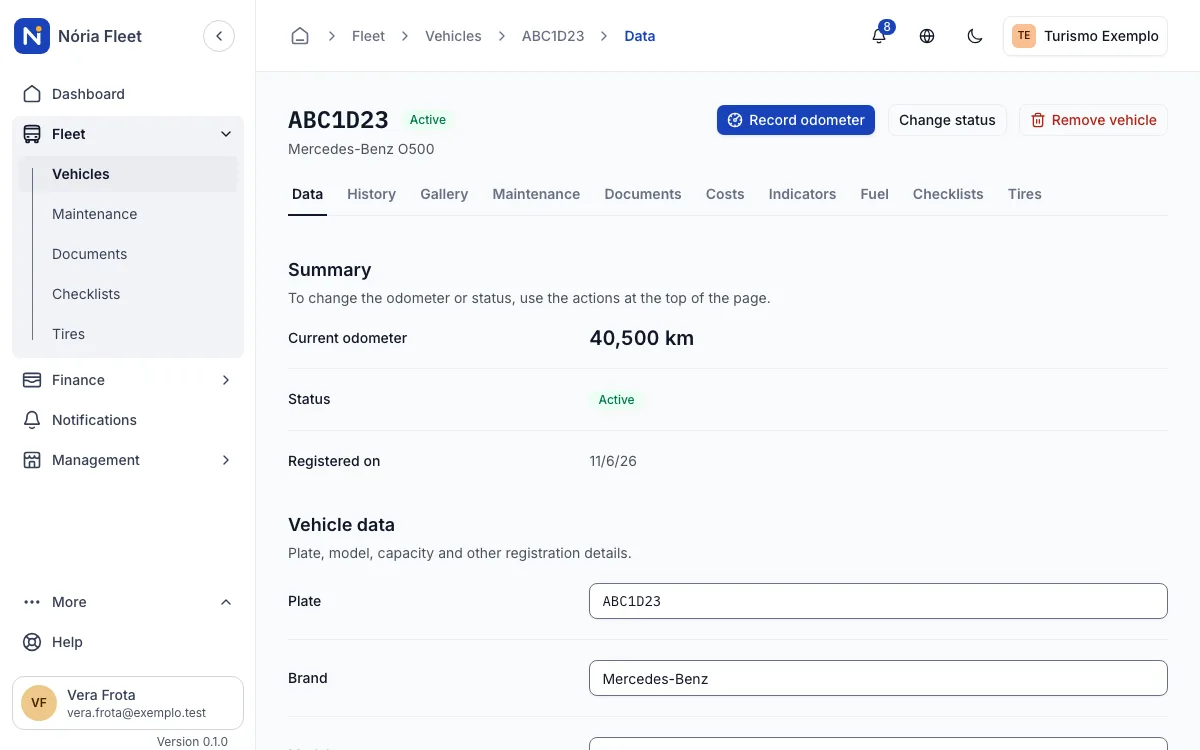
The full page of every vehicle, with a history that is never erased.
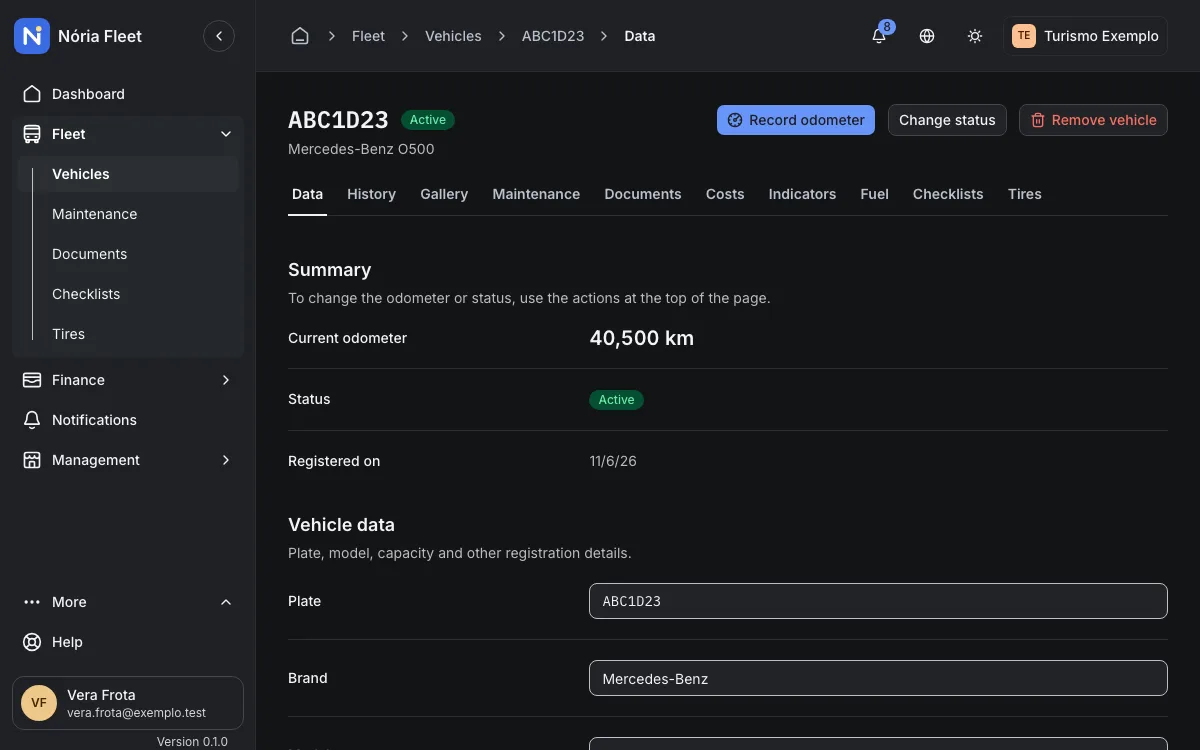
Data, photos, documents, maintenance, costs, fuel, checklists and tires of each vehicle on one page.
How it works
- Registration with plate, internal code, brand, model, years, capacity and km.
- One plate per company; searching by plate or code ignores case and hyphens.
- Status Active, In maintenance, Inactive or Retired, and a gallery of up to 20 photos.
- Immutable history: who changed what, when and why.
- Removing means deactivating: nothing is erased from the history.
An example
Step by step
Register the vehicle
Enter the plate and the vehicle data. The plate is unique within the company.
Add the photos
Upload up to 20 photos to the vehicle gallery.
Find it by plate
Search by plate or internal code, without worrying about case or hyphens.
Check the history
Open the vehicle page to see its changes and records.
Screenshots
Start with your vehicle records
Create an account and register your fleet.
You confirm your email and create the company next.