An expiring document becomes a warning, not a fine.
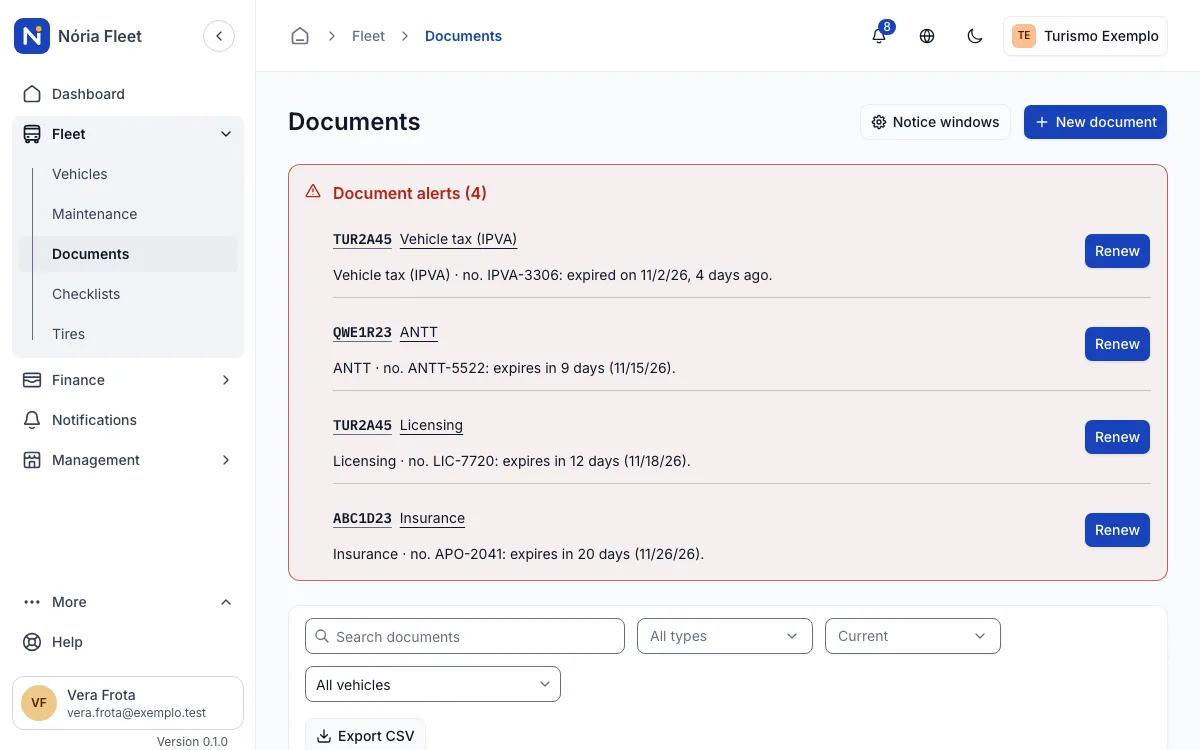
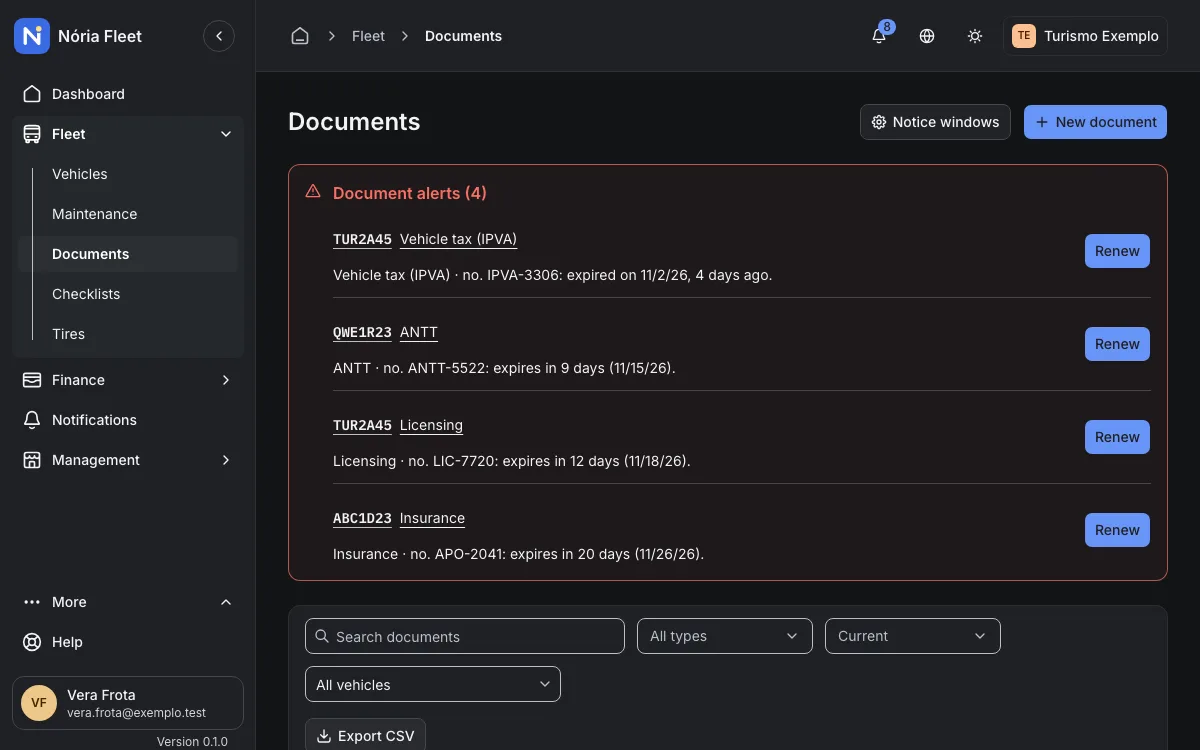
Register each vehicle's documents with their expiry date. Nória Fleet warns you before the date and shows what expires in the list, on the panel and on the vehicle page.
How it works
- Types: CRLV, licensing, IPVA, insurance, inspection, ANTT, tachograph and other, with number, issue date and expiry date.
- Warning from 1 to 365 days ahead, 30 by default, adjustable per document type.
- Renewing creates the new current document and keeps the previous one in the history.
- Attach an image or a PDF, up to 5 per document.
- Each document shows as Valid, Expiring or Expired, in the list, on the panel and on the vehicle page.
An example
Step by step
Register the document
In Documents, choose the vehicle and the type, then enter the number, issue date and expiry date.
Adjust the warning window
Keep the default 30 days or choose from 1 to 365 days for that document type.
Follow what expires
See the status of each document in the list, on the panel and on the vehicle page.
Renew when the time comes
Enter the new expiry date. The new document takes effect and the previous one stays in the history.
Screenshots
Start with your vehicle records
Create an account and register your fleet.
You confirm your email and create the company next.