Inspection done on the phone, with photos and a record.
Build inspection templates for the start or the end of operation. The team answers item by item on the phone, with notes and photos.
How it works
- Template with up to 40 items, for the start or the end of operation, versioned.
- Mark items as critical and require a note or a photo when the item fails.
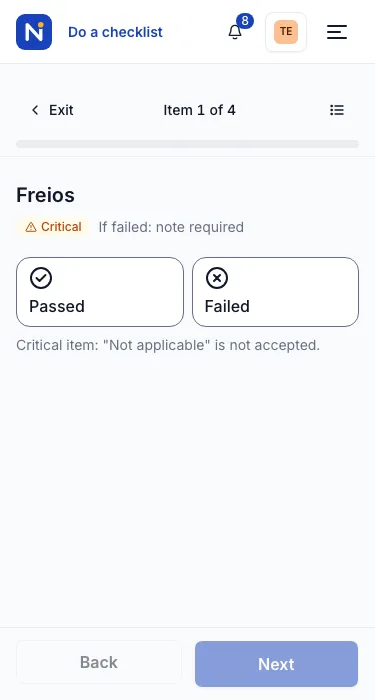
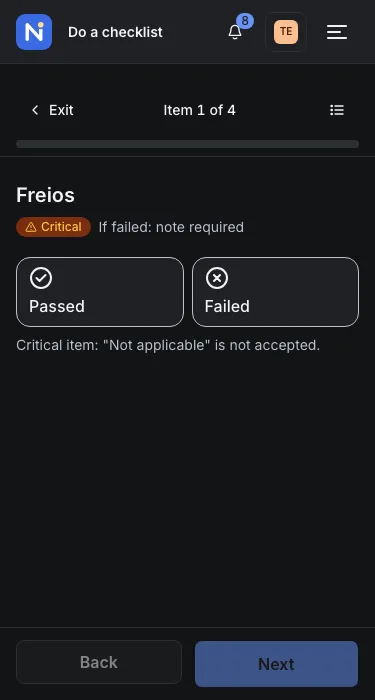
- Item-by-item run on the phone, with the draft kept on the device and up to 3 photos per answer.
- A failed item becomes a defect, which goes on to maintenance.
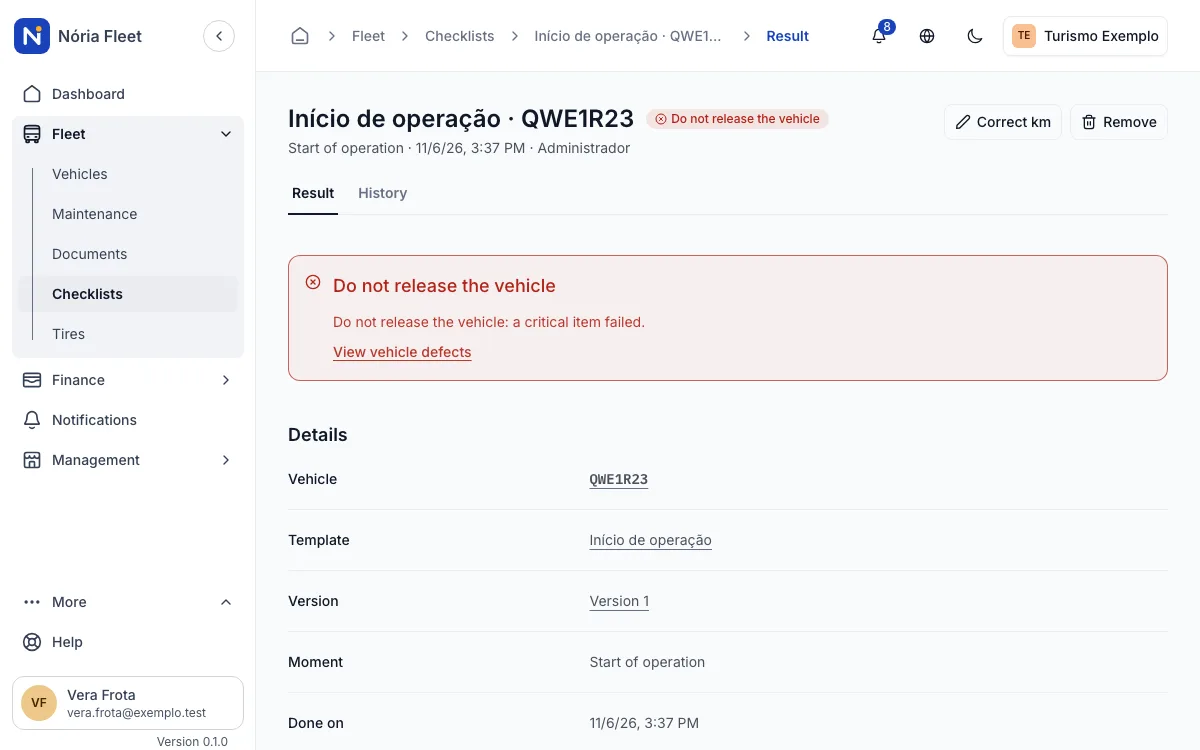
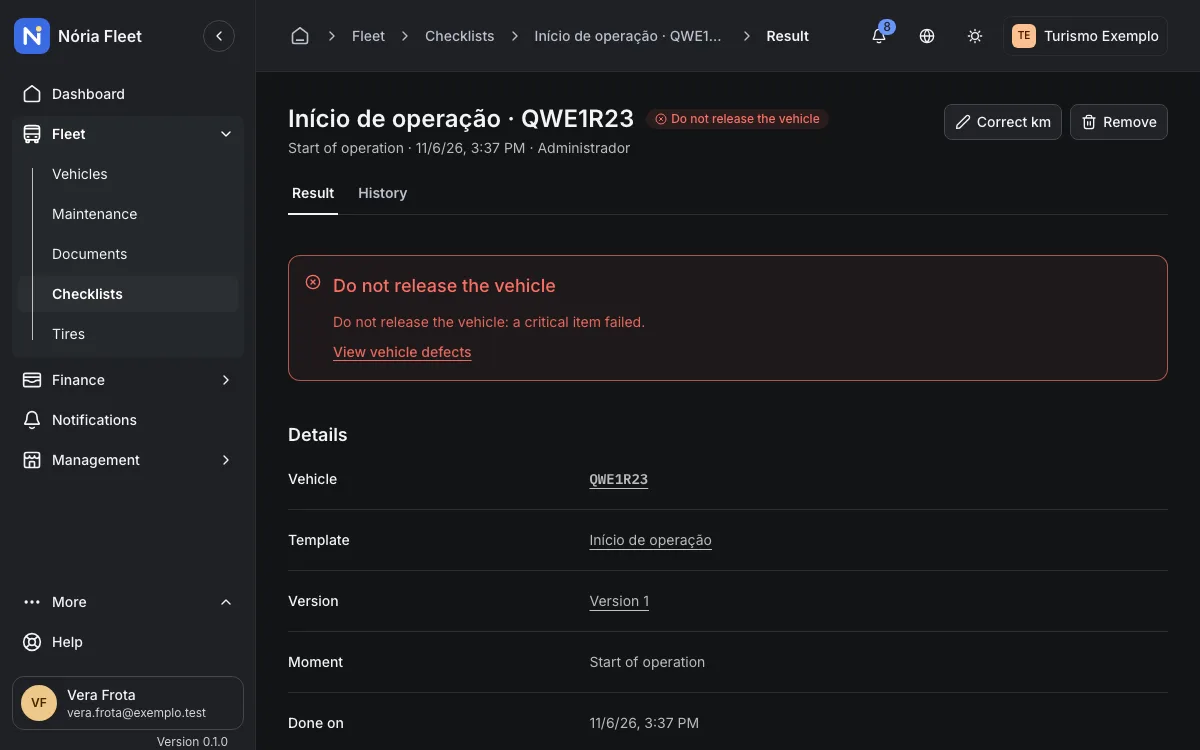
- A failed critical item shows the notice "Do not release the vehicle". There is an alert when the day's checklist was not sent.
An example
Step by step
Build the template
In Checklists, create the start or end template and mark the critical items.
Set what needs a note or photo
For each item, require a note, a photo or both when it fails.
Run it on the phone
Choose the vehicle and answer item by item. The draft stays on the device until it is sent.
Follow the result
The result is Passed, Failed or a critical failure, and the failed item becomes a defect.
Screenshots
What it does not do yet
The notice is informational; the vehicle does not change status on its own.
Start with your vehicle records
Create an account and register your fleet.
You confirm your email and create the company next.