Maintenance planned and followed through to completion.
Maintenance plans, preventive and corrective orders and defects reported by the team, all linked to the vehicle and with a history.
How it works
- Plan by days, by km or whichever comes first. Completing the order restarts the count.
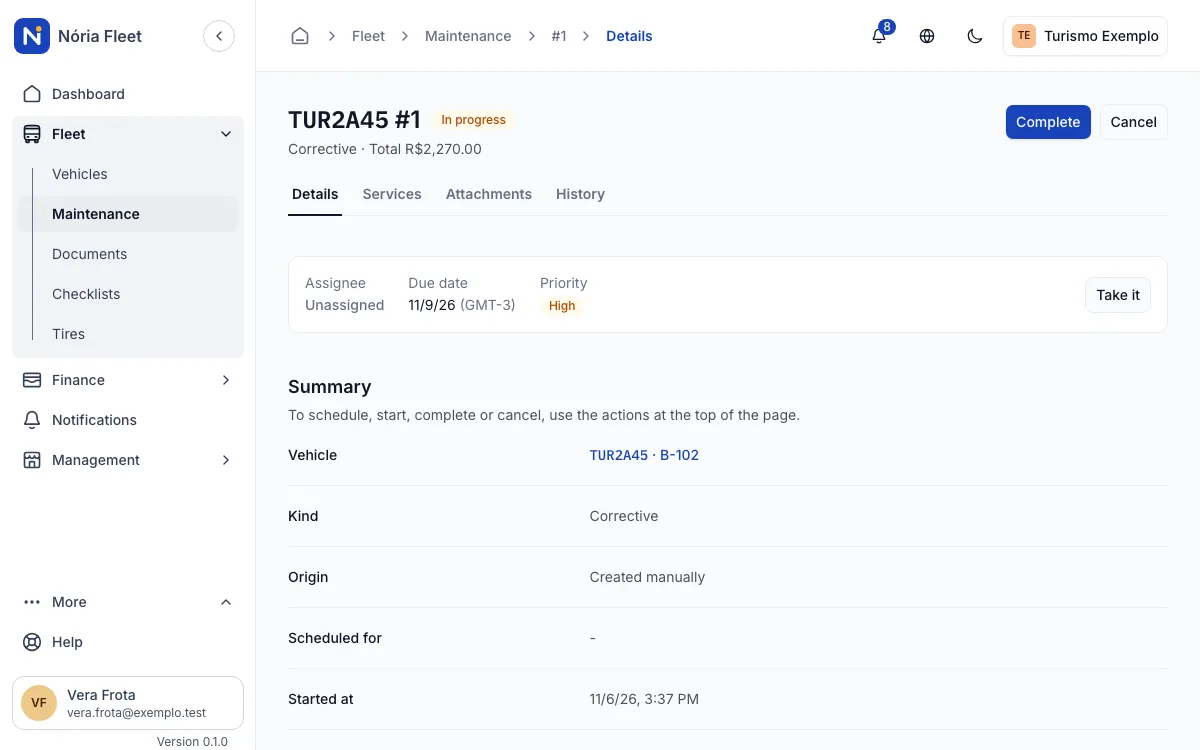
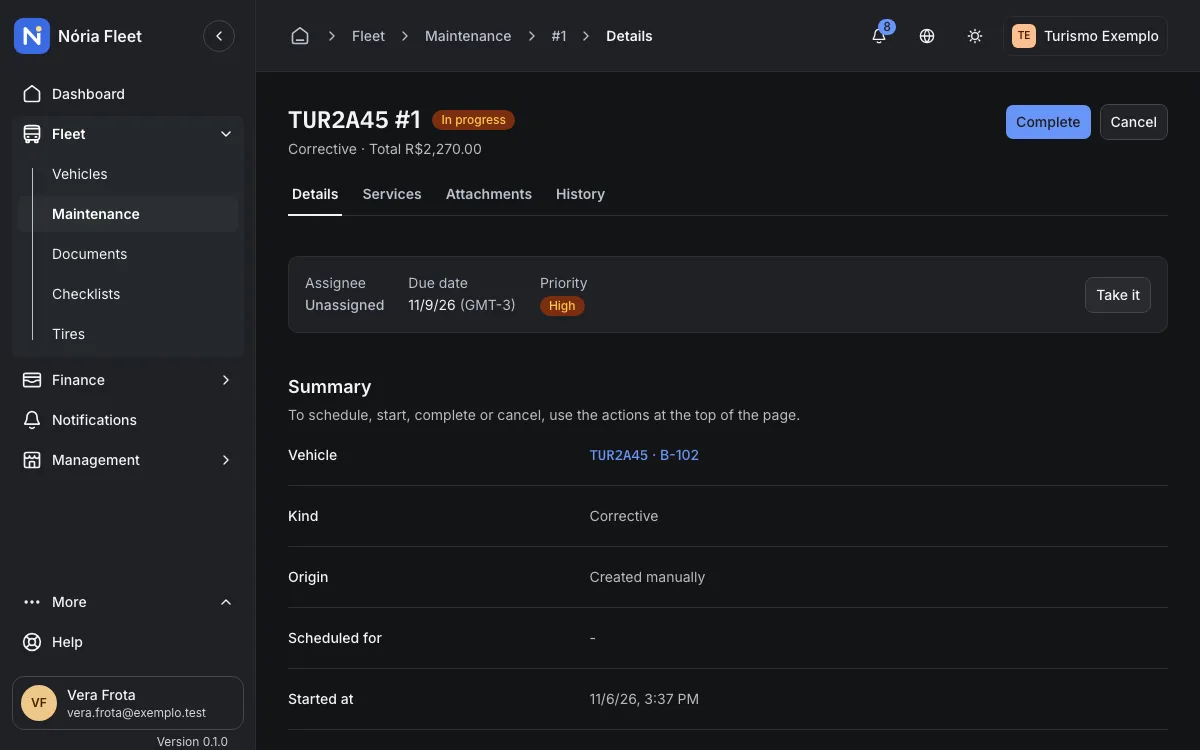
- Order with the states Identified, Scheduled, In progress and Completed, with an owner, due date and priority.
- Starting the order puts the vehicle in maintenance; completing it records the km.
- Attach the invoice and photos; record labor and parts.
- Any member reports a defect, with severity, description and up to 5 photos. The administrator turns it into a corrective order or dismisses it with a reason.
An example
Step by step
Report the defect
Choose the vehicle and the severity and describe the problem. Attach up to 5 photos.
Create the order
The administrator turns the defect into a corrective order and sets the owner, due date and priority.
Start and follow
Starting puts the vehicle in maintenance. The order history shows every change of state.
Complete with the km
Enter the km, record labor and parts and attach the invoice.
Screenshots
Start with your vehicle records
Create an account and register your fleet.
You confirm your email and create the company next.